

Your iOS devices contain a wealth of personal information, making them prime targets for cyber threats. Safeguarding your iPhone, iPad, and other iOS devices ensure your data remains secure. Here are some key tips to enhance their security.
Use Strong Passwords or Biometric Authentication:
- Set a strong alphanumeric password, or use Face ID or Touch ID to lock your iPhone securely.

Keep Your Software Updated:
- Regularly update iOS and your apps to protect against the latest security vulnerabilities. Enable automatic updates for convenience.

Be Cautious with App Permissions:
- Go to Settings > Privacy to review and limit app permissions. Only allow apps to access information necessary for their functionality.

Enable Two-Factor Authentication (2FA):
- Turn on 2FA for your Apple ID by going to Settings > [Your Name] > Password & Security > Two-Factor Authentication to add an extra layer of security.

Use Find My iPhone
- Enable Find My iPhone under Settings > [Your Name] > Find My iPhone to locate, lock, or erase your device if it’s lost or stolen

Install Apps Only from Apple Store:
- Download apps exclusively from the Apple App Store to avoid installing malicious software.

Regularly Back Up Your Data:
- Use iCloud or iTunes to back up your iPhone regularly. Go to Settings > [Your Name] > iCloud > iCloud Backup and enable it.

Use Security Apps:
- Consider using reputable security apps that offer features like secure browsing, privacy protection, and anti-theft tools available on the App Store.

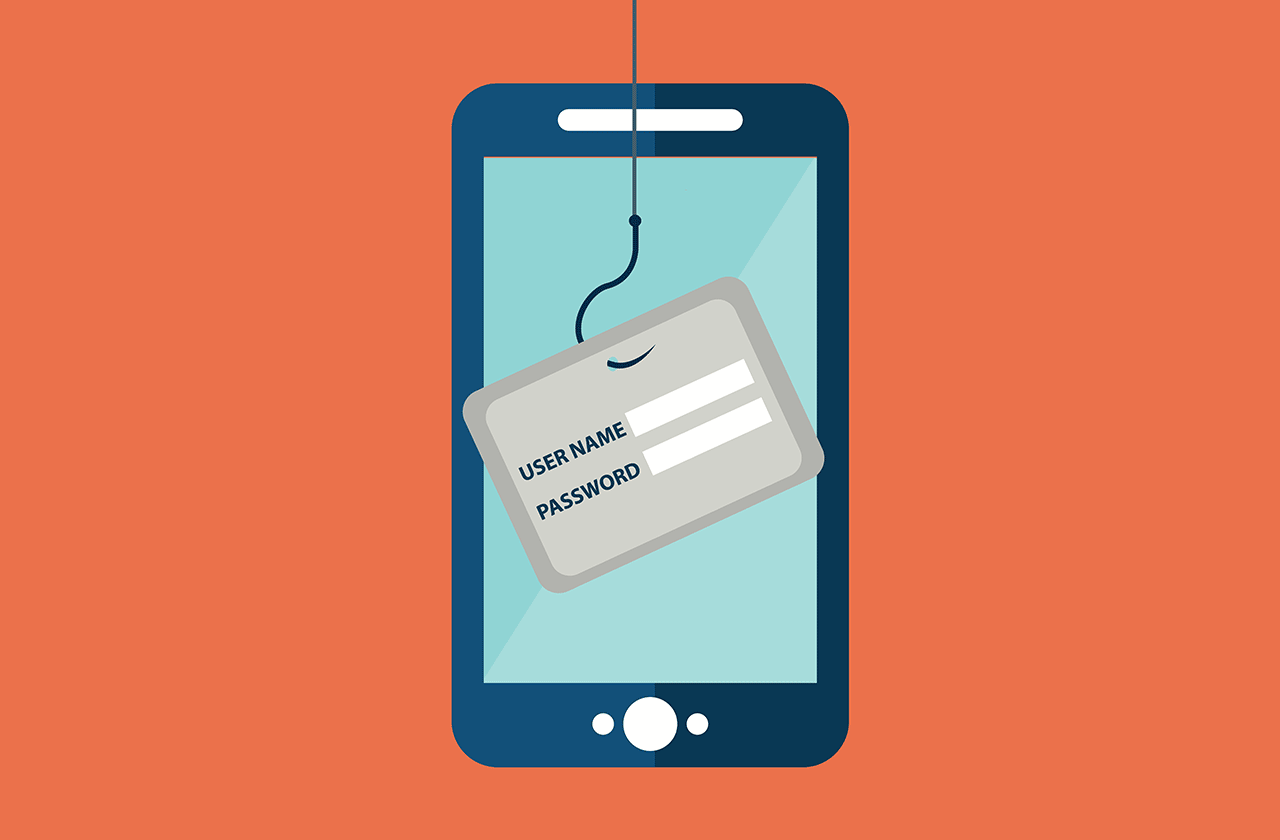
Be Wary of Phishing Attacks:
- Don’t click on suspicious links or provide personal information in response to unsolicited messages or emails. Apple will never ask for your password via email.
Log Out of Apps When Not in Use:
- Log out of sensitive apps like banking or shopping apps after each session to prevent unauthorized access.

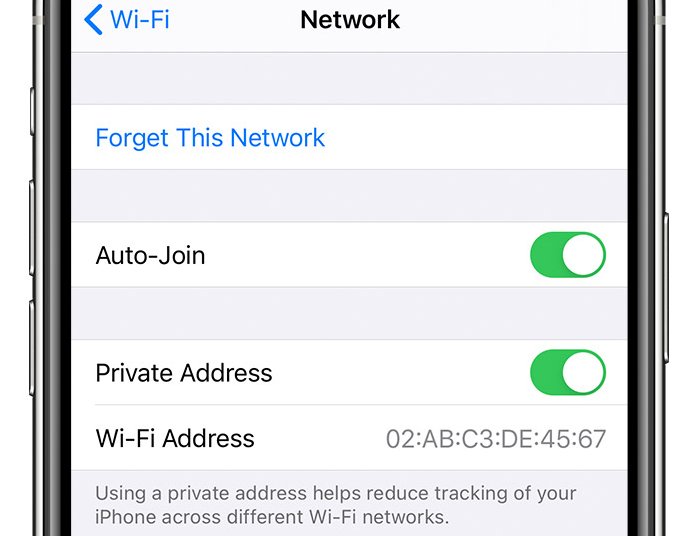
Disable Automatic Wi-Fi Connections:
- Go to Settings > Wi-Fi and disable Auto-Join for networks you don’t trust to prevent your iPhone from connecting to insecure networks.
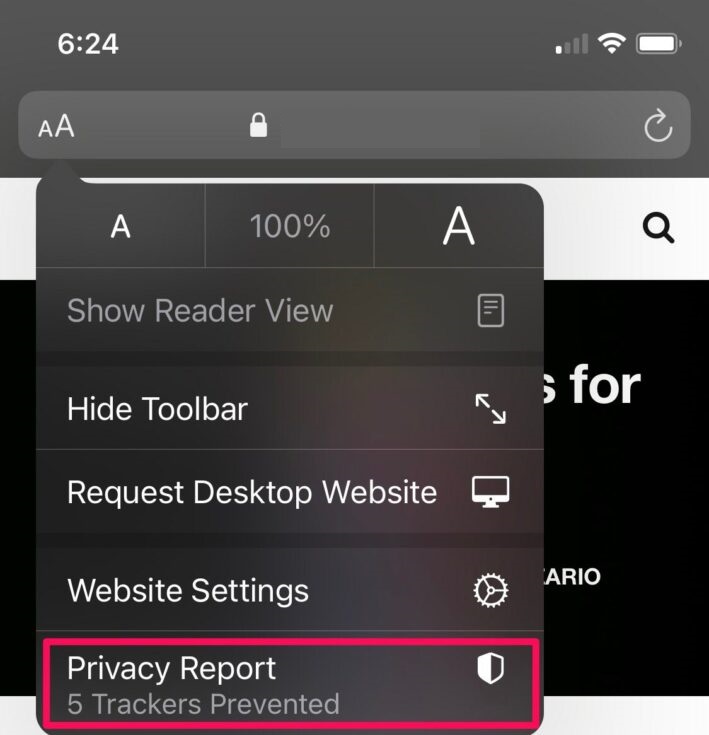
Use the Privacy Report in Safari:
- Check Safari’s Privacy Report by tapping the AA icon in the address bar to see how many trackers have been blocked, helping you monitor and manage your online privacy.
Conclusion:
By following these essential tips, you can significantly enhance the security of your iPhone safeguarding your personal information from threats. Stay vigilant and proactive in maintaining your device’s security
Our Certified Engineers are ready to address any concerns or questions regarding your iOS devices security. Whether you’re facing malware attacks, unauthorized access, or permission issues, we can assist in cleaning your device, enhancing its trustworthiness, and safeguarding your data.
Leave A Comment